

How to submit a work order
When you use our products and services, if you encounter any purchasing or usage problems, you can contact us through Submit a work order Ask us for help, professional technical engineers will serve you wholeheartedly.
Operating steps
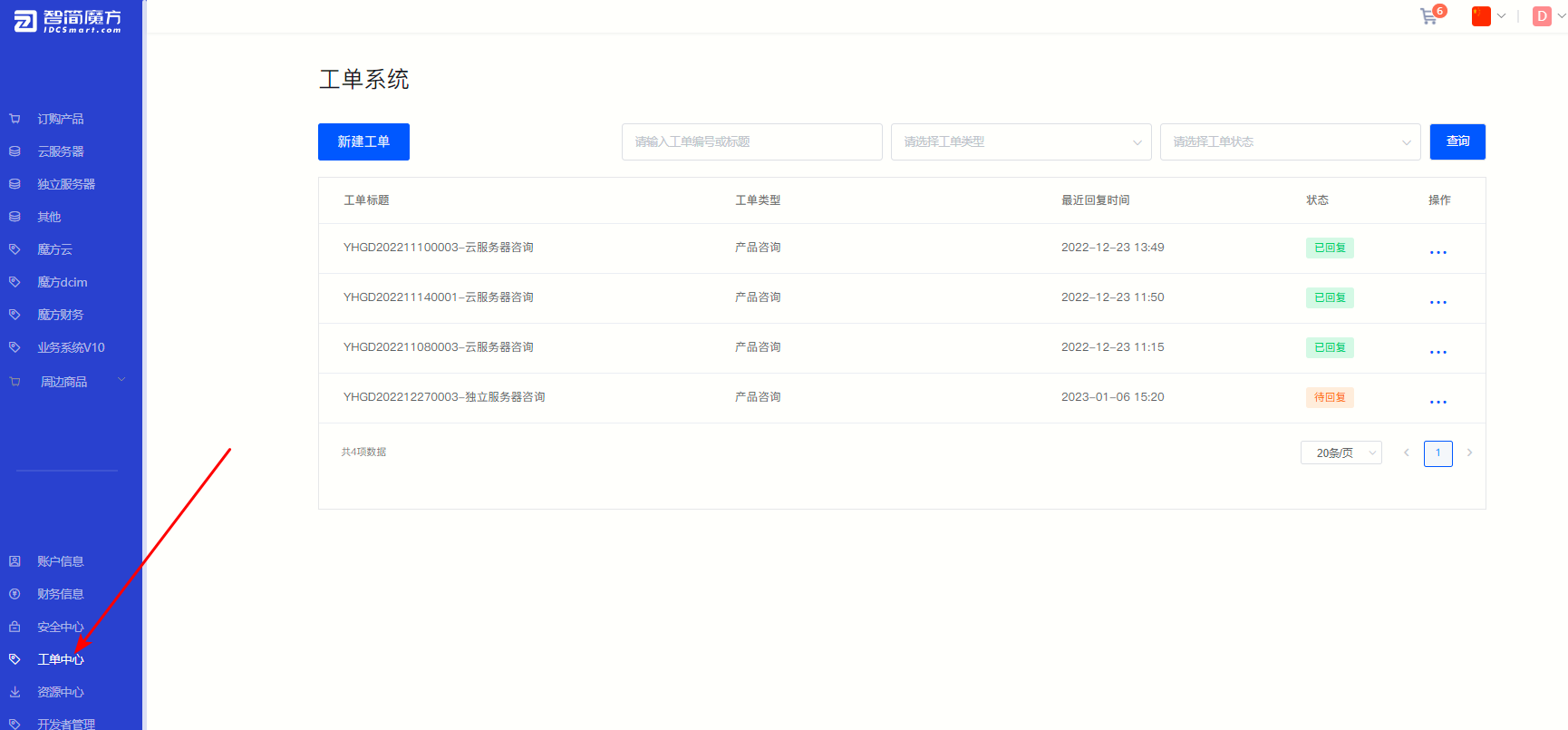
①After entering the member center, click Work Order Center 。
Figure 1
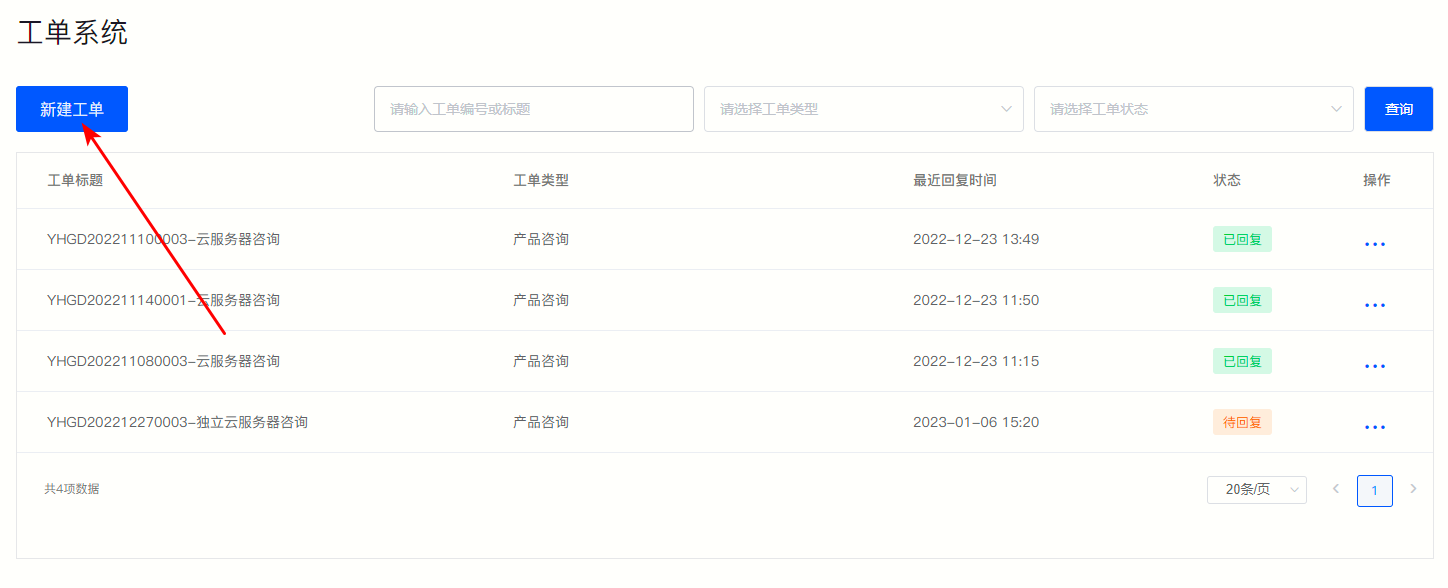
② On the work order system page as shown in Figure 1, click Create a new work order 。
Figure 2
③ On the jump page, select the work order type according to your needs and fill in the problem you encountered, click "Send" Submit your requirements.
Figure 3