
How to add a sub-account
If you need more people to jointly manage and maintain your online business, you can set Sub-account Finely allocate operation permissions and product permissions.
Operating steps
①Click “Sub-account management” , enter the sub-account list.
Figure 1

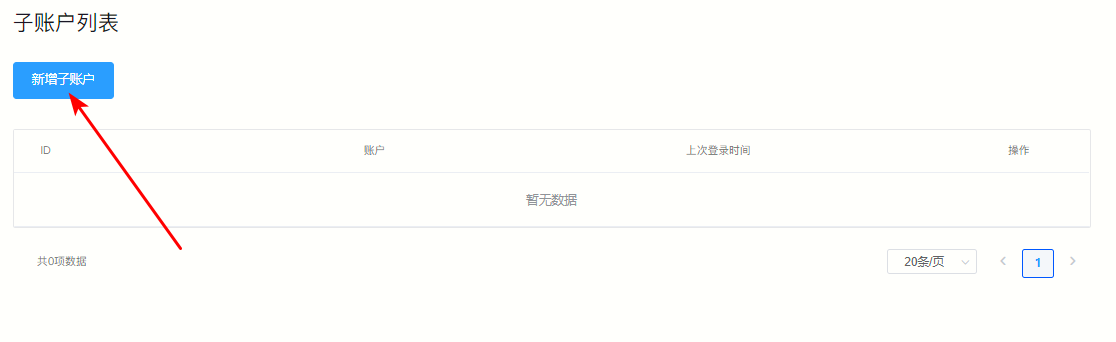
②Click the upper left corner "New sub-account"
Figure 2
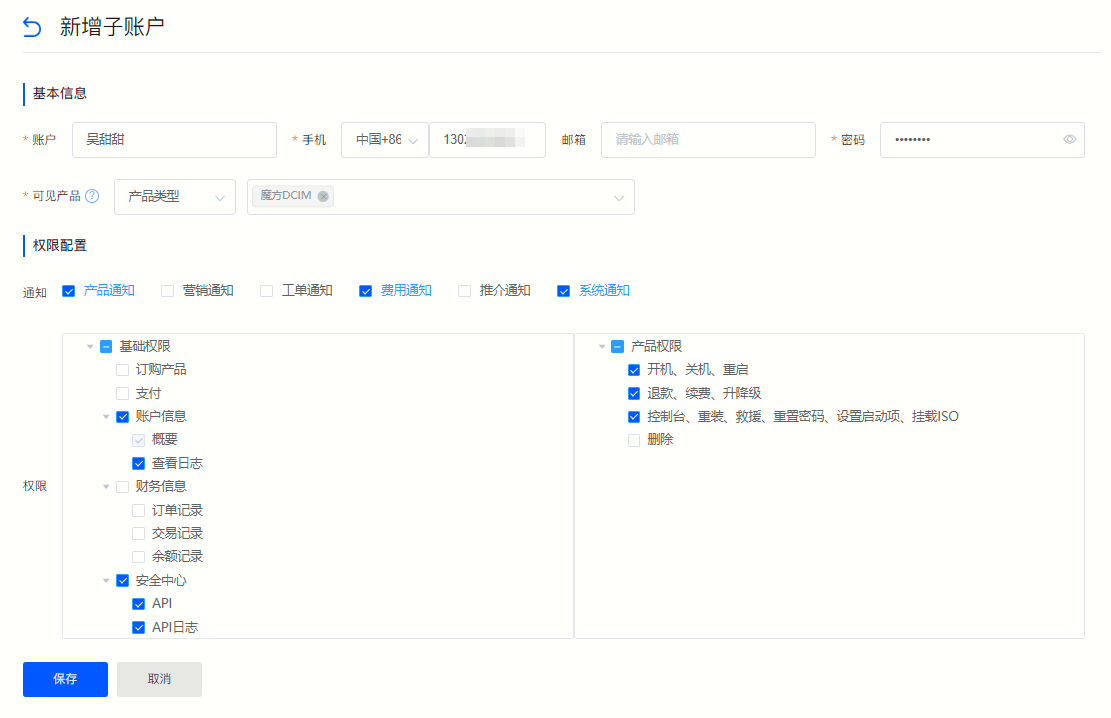
③ Fill in the sub-account information according to the field prompts on the jump page, and configure management permissions, click "Save" That’s it.
Figure 3
Back to List
