
How to create an API
We provide you with a convenient and efficient API calling interface.
Operating steps
①Click “Security Center” , select “API” 。
Figure 1
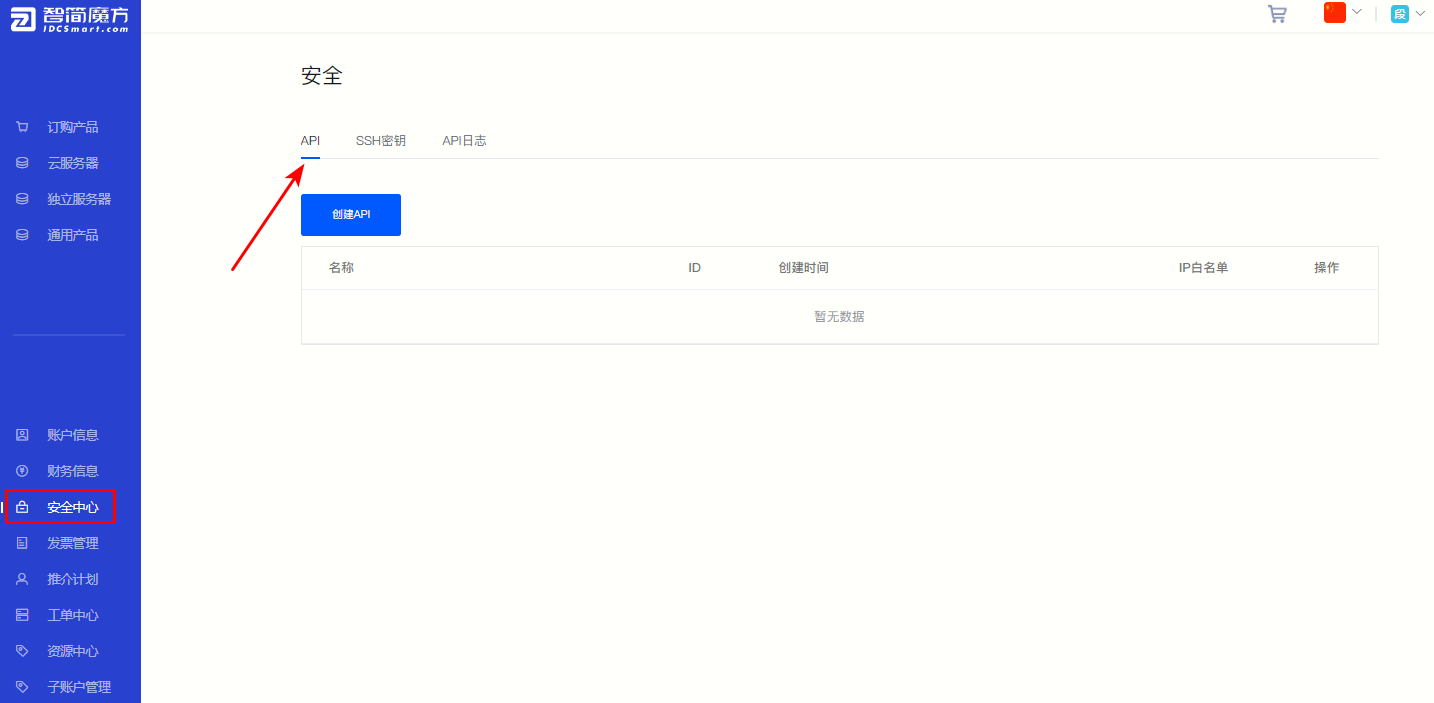
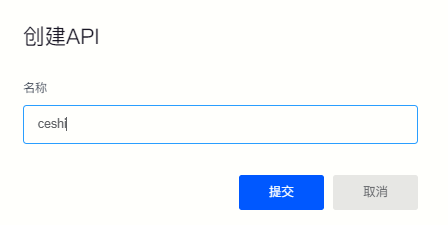
②Click on the upper left corner of the page "Create API" , fill in the API name on the pop-up page, and click "Submit".
Figure 2
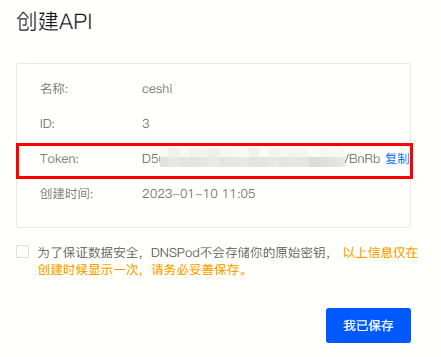
③The system automatically generates API key information.
Note: To ensure data security, we will not store your original key. Please be sure to keep the Token information properly.
Figure 3
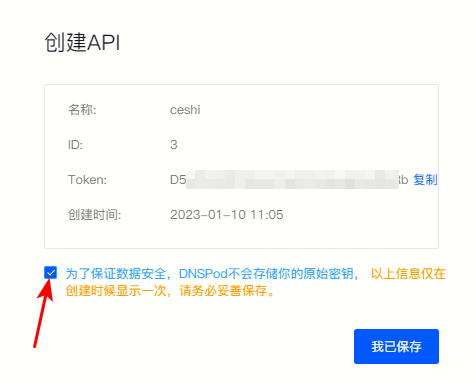
④After saving the key information, please check the prompt below and click "I have saved" That’s it.
Figure 4
Back to List
