How to modify account
After you complete the registration, if the registration information such as mobile phone number or email address changes, you can Account information Modify the account on the page. If the original account (mobile phone number/email) can no longer be used, please contact the business or submit a work order. For specific operations, please see How to submit a work order 。
·Change mobile phone number
·Modify email address
Modify account
1. Modify mobile phone number
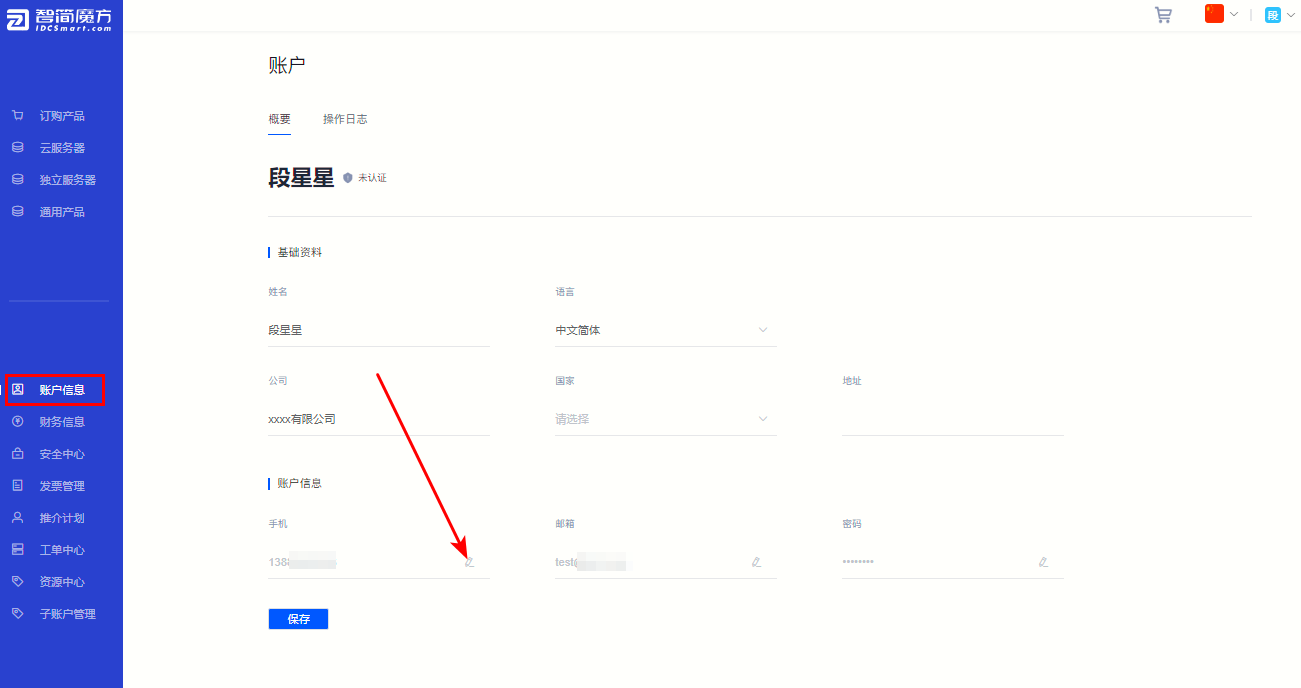
①Click in the member center “Account information” , in "Mobile phone" Click " ” 。
” 。
Figure 1
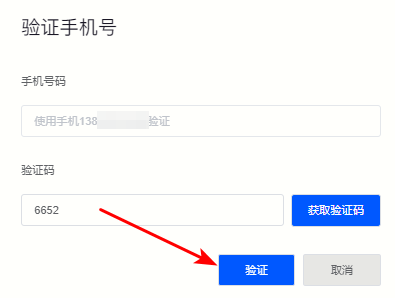
②As shown in the picture below, click on the pop-up window "Get verification code" Then enter the correct verification code and click "Verification" Complete identity verification to ensure the security of your account.
Figure 2
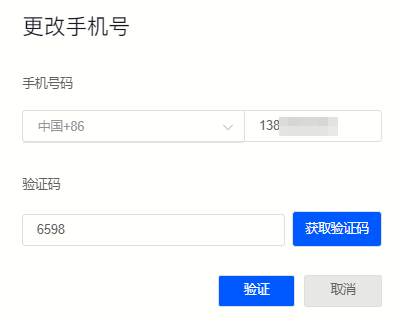
③After completing the verification, enter the new mobile phone number in the next pop-up window and click "Get verification code" Enter the verification code and click "Verification" The modification is completed.
Figure 3
2. Modify email address
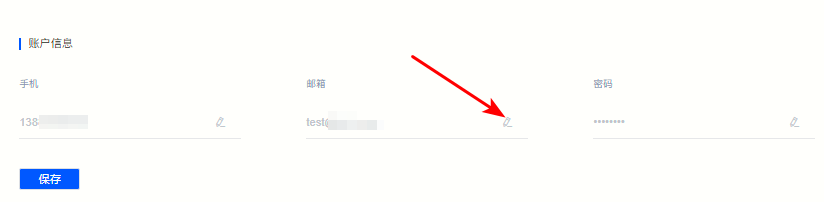
①In Account information Page, click Email column "”, the email address can be modified.
Figure 4
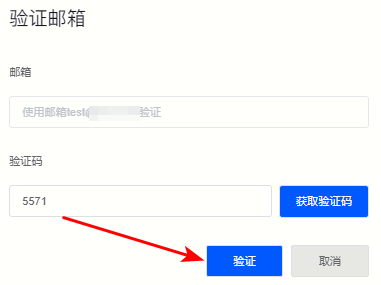
②As shown in the figure below, click on the pop-up page "Get verification code" , and enter the verification code to complete identity verification.
Figure 5
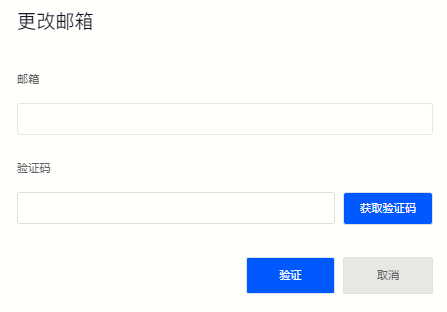
③Enter the new email address and click "Get verification code" The modification can be successful after verification.
Figure 6